Sign in with a code
Type your email address and we send you a six-digit code. That's your account.
 who has my data?
Find out
who has my data?
Find out
Every receipt, newsletter and login code in your inbox comes from a company that has your email address. Ferris reads the senders, not the emails, and hands you the full list.

+ 3,036 more companies
Example154,841conversations
3,040companies
3 min 37 sto read them all
One real Gmail inbox, scanned by Ferris.

Signed up for something once in 2014? They still write. Every sender in your mailbox is a company that stored your address, from the shop you bought socks from to the app you deleted years ago.
Most people have never seen the whole list. Ferris has read a lot of envelopes. He'd like to show you yours.
No passwords, no extension, nothing to install on your computer. Ferris works from a bookmark inside your own Gmail tab.
Type your email address and we send you a six-digit code. That's your account.
One drag puts Who has my data on your bookmarks bar.
Open Gmail, click the bookmark, and Ferris reads every sender. Your list lands in your account when he's done.
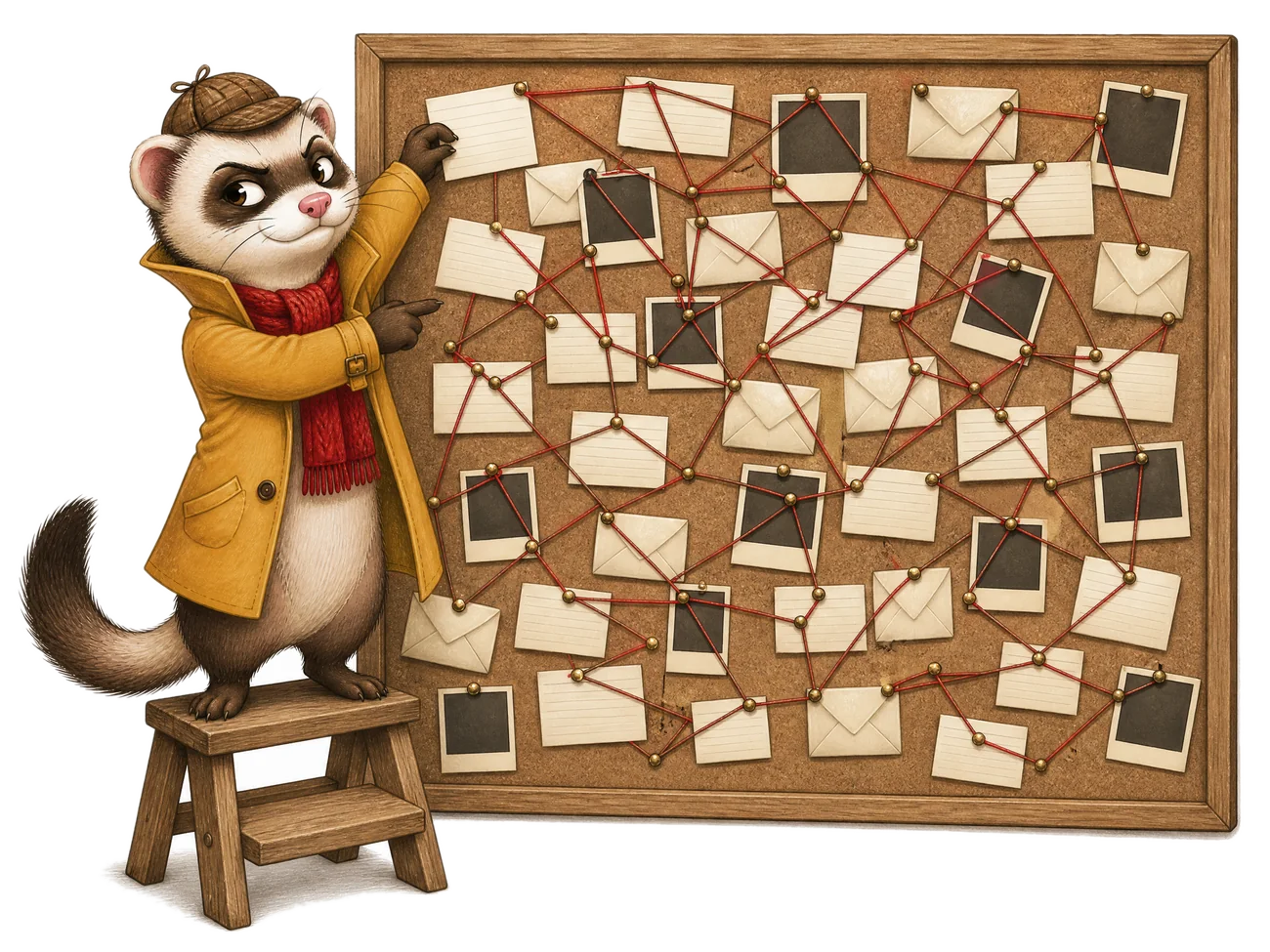
Sort by who emails you most, who found you first, or who went quiet years ago. Each row shows the addresses they write from and the names they sign with.
| Company | Emails | Last email |
|---|---|---|
| AAmazon | 1,204 | Yesterday |
| inLinkedIn | 860 | Today |
| MMyspace | 23 | Nov 2013 |
He runs inside your own Gmail tab and reads the same list of conversations Gmail shows you.
Only the company list is saved to your account. Delete it whenever you like.
Gmail, today. Outlook, Yahoo Mail, iCloud Mail, Proton Mail and others are on Ferris's list.
Not yet. First you need to know who has it. The list shows every company, the addresses they write from and when they last got in touch.
A bookmark only runs when you click it, on the page you click it on. It can't watch your browsing and it can't update itself behind your back.
A few minutes for most inboxes. Ferris read 154,841 conversations in one real Gmail account in 3 minutes 37 seconds. Keep the Gmail tab open while he works.
Yes. One click in the app deletes every list you've saved.
Sign in with your email, add the bookmark and click it in Gmail. You'll have your list in a few minutes.
Show me who